



THE NSIDE PLATFORM
REQUEST FORM
COMMUNITY ARTICLES
COMMUNITY ARTICLES

To get started, fill out the form or contact us, we’re ready to help!
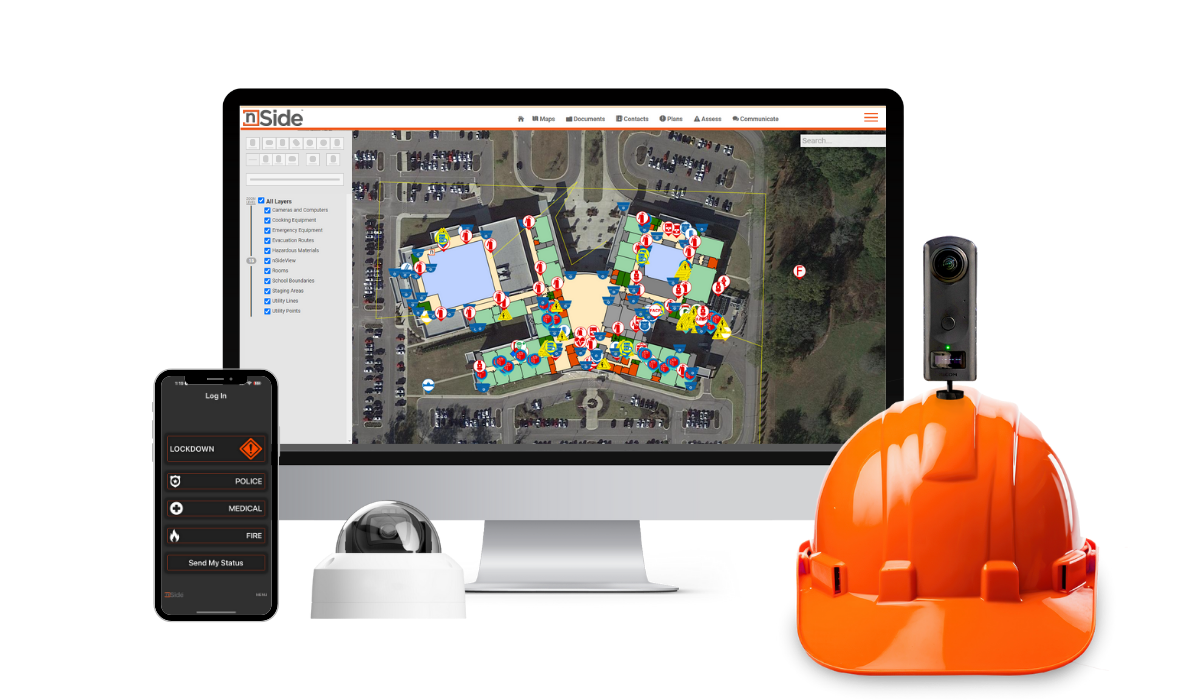
You’ll keep the same access and features you already have—no interruptions, no surprises. Everything is set up and ready for you to use. If you’d like, you can now add the nSide|Lockdown™ app, which is included in the new agreement.
Make sure all campus maps are accurate and up to date, including building layouts, room assignments, and any recent construction or renovations. Accurate maps are essential for using the platform and nSide|Lockdown™ effectively and for ensuring your team can respond quickly in any situation.
Take this opportunity to review and update your EOP so it reflects any recent changes in procedures, staffing, or campus layout. A current EOP ensures your nSide Platform remains effective and helps your team respond faster and more cohesively in an emergency.
You now have full access to the nSide|Lockdown™ app and can begin setting up your district. For detailed guidance, check out the FAQ section below, explore our resources in nSide|Community, or reach out to our team. We’re here to help ensure your process is smooth and successful.
this session will help you remain comfortable and confident with nSide!
Please note that both webinar dates contain the same information and presentation.
View and edit your dynamic campus maps
Stay compliant with state safety requirements
Centralize contact lists and store critical documents
Access training, resources, and 24/7 support
Share real-time status updates with staff and first responders
Use geofencing for precise, location-based notifications
Manage alerts across one or multiple campuses
Adapt seamlessly for both real emergencies and drills




This hands-on session is offered in-person or virtually, and will walk your team through every feature of the nSide Platform™ and nSide|Lockdown™, showing exactly how to use these tools to make daily operations smoother, emergency responses faster, and your campus safer for years to come.
For a limited time, this in-depth training is available for a fraction of the usual price—because we believe every Mississippi school should feel confident, prepared, and empowered to protect their students and staff.
Learn tips and best practices tailored to Mississippi schools
Strengthen your team’s readiness for any situation

Any projects completed after September 2024 will not be covered under this renewal agreement. If your district chooses to have these newer spaces mapped, the cost for mapping and integration will be the district’s responsibility.
However, if you're simply looking to make minor updates—like updating a floor plan, renaming rooms, or adjusting designations—we’ve got you covered. The nSide|Community contains helpful articles and resources that walk you through how to make these smaller changes. And of course, if you need a hand, feel free to reach out to our team, we’re always happy to help.
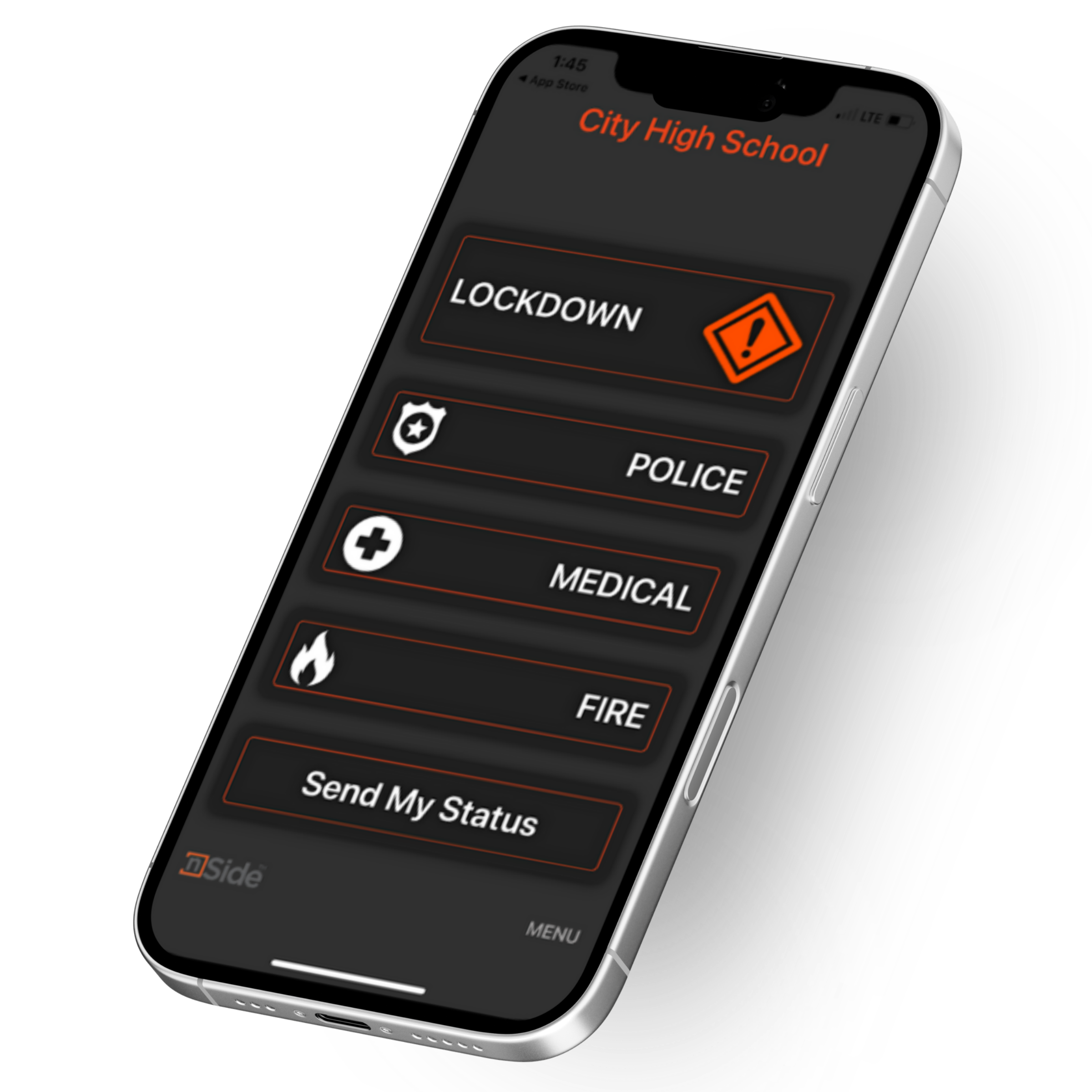
To manage access to the nSide|Lockdown™ app, go to the Manage Lockdown tab in the Organization Manager. From there, use the Mobile App Users menu to edit who can use Lockdown. If someone isn’t listed, they either don’t have an nSide account or haven’t accepted their invitation—check the Manage Invitations tab to confirm.
Finally, all approved users should download the nSide|Lockdown™ app from the Apple App Store or Google Play. They’ll log in with the credentials they created during registration and can then send alerts, messages, and more.
For more in-depth instructions on getting started with the nSide|Lockdown™ app, check out our nSide|Community articles using the link below or reach out to us.